Blog
Efficient file organization, DockBuddy Organizer tips, professional workflows, and more useful information.

The Complete Guide to Batch Resizing E-Commerce Product Images | Amazon, Shopify, Etsy & eBay
Master product image requirements for Amazon, Shopify, Etsy, and eBay. Learn how to batch resize hundreds of product photos on Mac for faster listings and better conversions.
![How to Organize Photos by GPS Location [Automatic Sorting for Travel & Location Shoots]](/images/blog/gps-photo-organization-travel.jpg)
How to Organize Photos by GPS Location [Automatic Sorting for Travel & Location Shoots]
Learn how to automatically organize photos by shooting location using GPS data. Efficiently manage travel photography, real estate shoots, and location-based projects on Mac.
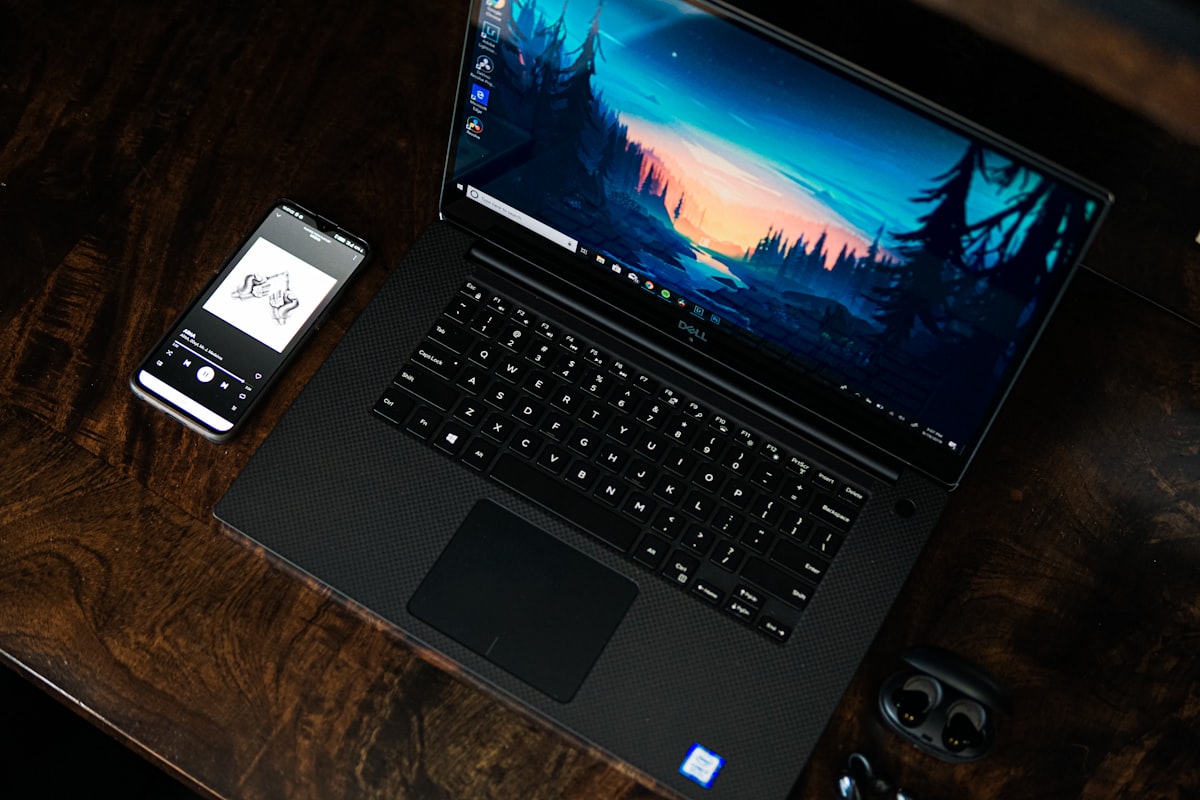
【2026 Guide】Image Format Conversion for WebP & HEIC Era | Batch Convert on Mac
Compare WebP, HEIC, JPEG, PNG, and TIFF image formats. Learn optimal conversion settings, batch conversion on Mac, and how to speed up your website with modern image formats.

The Complete Guide to Optimizing Podcast Audio on Mac — From Recording to Distribution
Streamline your podcast audio workflow on Mac. Learn how to convert WAV to MP3, AAC, and M4A, recommended formats for Apple Podcasts, Spotify, and YouTube Music, and how to choose the right bitrate.
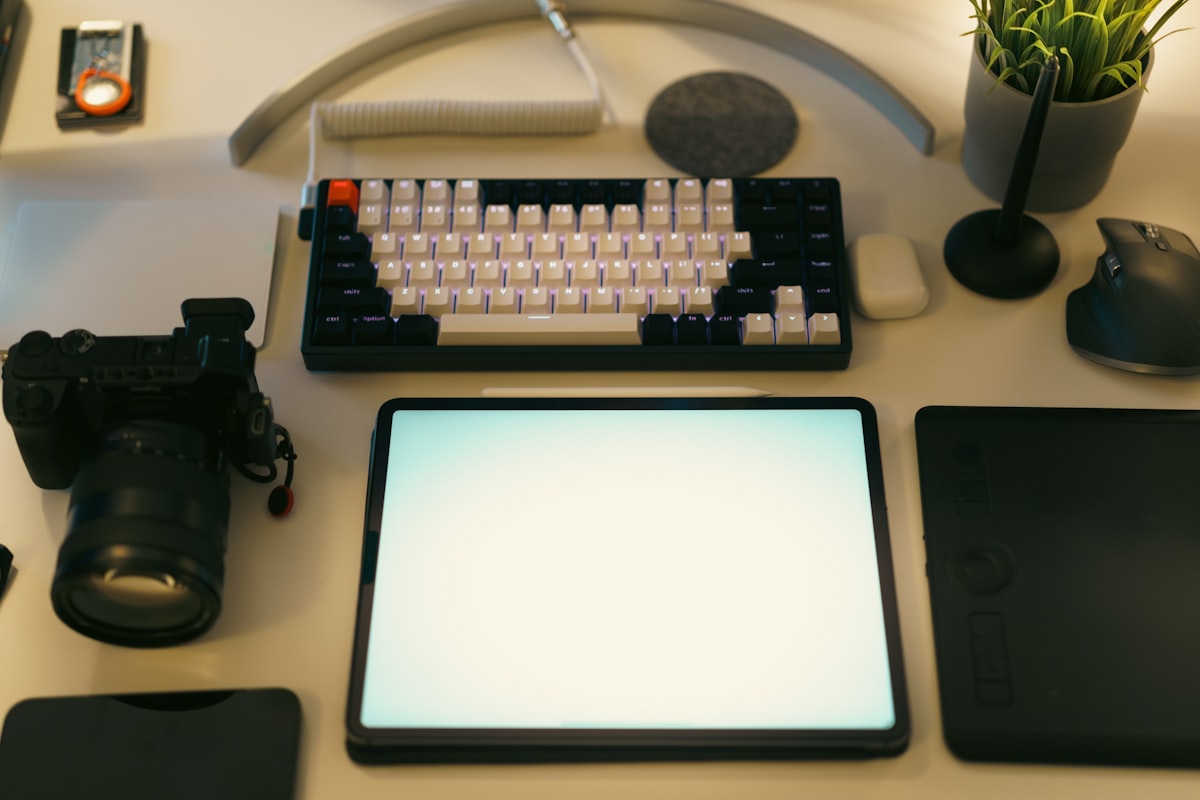
Build a Unified File Management Workflow for Studios & Teams with Custom Presets
Design case-specific preset templates for wedding, product, real estate, and press photography using DockBuddy Organizer. Learn file naming best practices and team workflow strategies.

TikTok, Reels & Shorts — Batch Vertical Video Conversion Workflow for Mac
Optimal vertical video settings for TikTok, Instagram Reels, and YouTube Shorts. Learn 9:16 conversion, CRF vs bitrate, and efficient batch workflows on Mac.
![How to Choose the Best Video Converter for Mac [2025 Guide]](/images/blog/video-converter-guide.jpg)
How to Choose the Best Video Converter for Mac [2025 Guide]
Compare Mac video converter apps. Understand the differences between free and paid options, H.264/HEVC/AV1 support, hardware encoding, and batch processing.
![Best YouTube Video Export Settings Guide [1080p, 4K & Shorts]](/images/blog/youtube-export-settings.jpg)
Best YouTube Video Export Settings Guide [1080p, 4K & Shorts]
The definitive guide to YouTube video export settings. Recommended bitrates for 1080p/1440p/4K, YouTube Shorts setup, and codec selection for Mac users.
![Complete Guide to Video & Audio Formats [Containers vs Codecs Explained]](/images/blog/video-audio-format-guide.jpg)
Complete Guide to Video & Audio Formats [Containers vs Codecs Explained]
What's the difference between MP4 and MOV? How to choose between H.264 and HEVC? A clear explanation of containers, codecs, and the best format for every use case.
App Icon Batch Generation Guide: Create All iOS & macOS Sizes in Seconds
Learn how to batch generate iOS and macOS App Icons. Create 20+ sizes from a single 1024×1024 image in seconds. Includes Xcode import guide and best practices for developers.
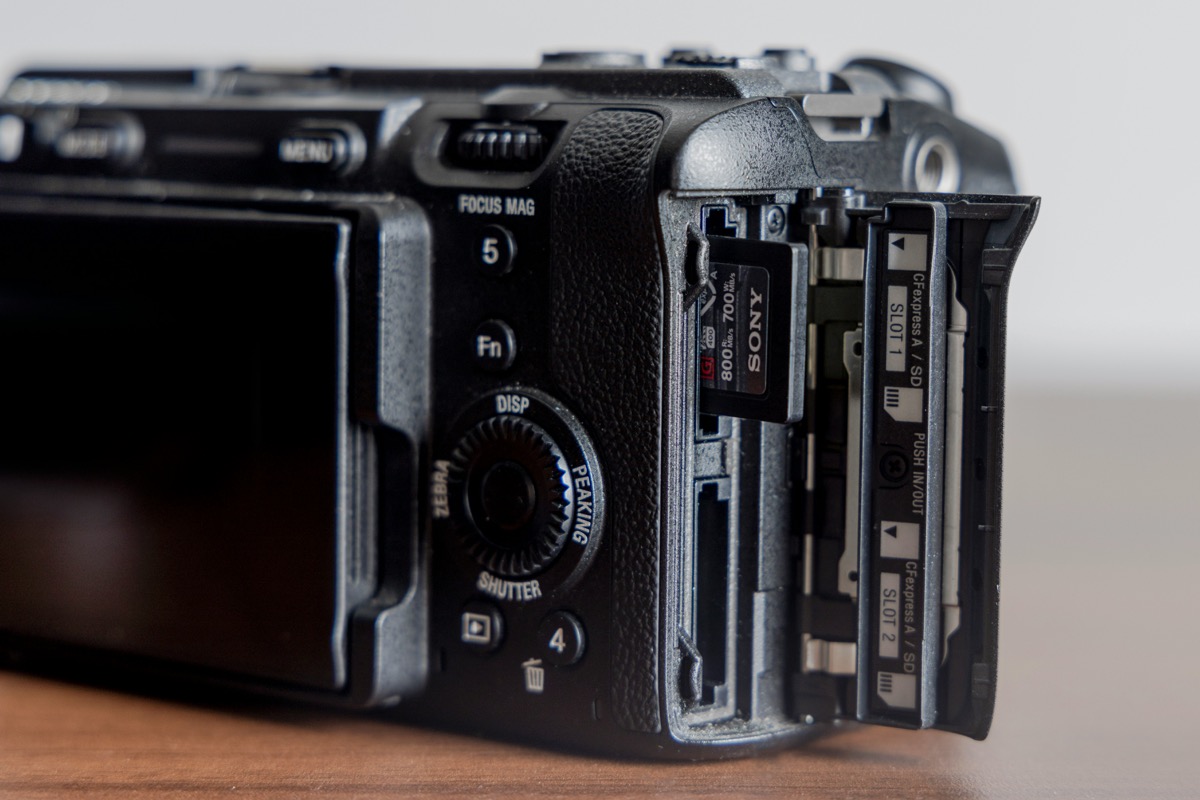
Complete Image Resize Workflow for Designers & Photographers: Streamline Deliverables & SNS
Efficient image resize workflow for professionals. Learn time-saving techniques with batch processing for Lightroom/Photoshop integration, client deliverables, SNS posts, and portfolio creation.
![How to Resize Images on Mac [2025]: Complete Guide to Free & Paid Apps](/images/blog/digicam-file-organization.jpg)
How to Resize Images on Mac [2025]: Complete Guide to Free & Paid Apps
Complete guide to resizing images on Mac. Learn Preview basics, Automator shortcuts, batch processing, and SNS optimization. For beginners to professionals.
Mac Image Resizer Comparison: Preview vs Photoshop vs Online Tools vs DockBuddy Resizer
Comprehensive comparison of Mac Preview, Photoshop, and free online resizing tools. Evaluate batch processing speed, App Icon support, pricing, and usability. Find the best image resizer for your workflow.
![File Organization Using EXIF Information [Smart Classification with Metadata]](/images/blog/i-m-zion-Fu88G_EqGK0-unsplash.jpg)
File Organization Using EXIF Information [Smart Classification with Metadata]
Advanced file organization methods using photo EXIF information (metadata). Automatic classification using shooting date, camera model, GPS, lens info for professional-grade management.
![Multi-Camera File Organization [Automatic Classification by Camera Model & Photographer]](/images/blog/glenn-carstens-peters-wHbM1yF6zj8-unsplash.jpg)
Multi-Camera File Organization [Automatic Classification by Camera Model & Photographer]
Efficient methods to organize photos and videos shot with multiple cameras. Auto-classification by camera model from EXIF info, optimal for weddings and event shooting.
![How to Automatically Organize Photos by Date [Mac Complete Guide 2025]](/images/blog/kenny-leys-S32V9KV3ME8-unsplash.jpg)
How to Automatically Organize Photos by Date [Mac Complete Guide 2025]
Learn how to automatically sort photos by shooting date on Mac. Compare 3 methods to free yourself from manual organization. DockBuddy offers fast, efficient processing.
![How to Batch Separate RAW and JPEG Files [Photographer's File Classification Guide]](/images/blog/steve-giampa-f2ZyhZADPXA-unsplash.jpg)
How to Batch Separate RAW and JPEG Files [Photographer's File Classification Guide]
Learn efficient methods to classify RAW+JPEG simultaneous recording photos. Covers Canon/Nikon/Sony specific tips and DockBuddy's automatic classification method.
![Video Editing Asset Management Apps Recommended [YouTuber/Video Production Comparison 2025]](/images/blog/jakub-zerdzicki-qQWPpt4QdwY-unsplash.jpg)
Video Editing Asset Management Apps Recommended [YouTuber/Video Production Comparison 2025]
Comprehensive comparison of optimal apps for video editing asset management. Recommended tools by Final Cut Pro/Premiere Pro/DaVinci Resolve and automatic organization using DockBuddy.
![Video File Folder Structure [Editor's Naming Conventions & Best Practices]](/images/blog/jakob-owens-PUY7JEnobzg-unsplash.jpg)
Video File Folder Structure [Editor's Naming Conventions & Best Practices]
Comprehensive guide to folder structures and naming conventions used by professional video editors. Optimal organization methods for Final Cut Pro/Premiere Pro/DaVinci Resolve with 10 templates.
Professional Photographer's Post-Shoot Workflow | Efficient File Organization Method
Spending too much time on post-shoot file organization? Learn efficient workflows practiced by professional photographers, DockBuddy Organizer usage, and solutions to common issues.
File Organization Software Comparison | Finder vs Adobe Bridge vs DockBuddy Organizer
Comprehensive comparison of Mac's Finder, Adobe Bridge, and DockBuddy Organizer. Learn features, pros/cons, and how to choose the right tool.
How to Efficiently Organize Digital Camera Files [DockBuddy Organizer Guide]
Struggling with organizing RAW files, JPEGs, and videos from your digital camera? DockBuddy Organizer automates post-shoot organization, significantly reducing work time.